Build your menu
Add categories, items and photos in minutes — no tech skills needed.
Design a beautiful bilingual QR menu, update it anytime, and share it with a single code. Start free.
No credit card · upgrade to Pro whenever you need
No sales call, no developer — you build and publish it yourself.
Add categories, items and photos in minutes — no tech skills needed.
One click and your menu is live, with a QR code ready to print.
Stick the QR on tables — update the menu anytime, no reprinting.
iMenu is built right-to-left first, with English alongside — not a bolt-on translation.
Start on the free Basic template, then unlock the full set on Pro.
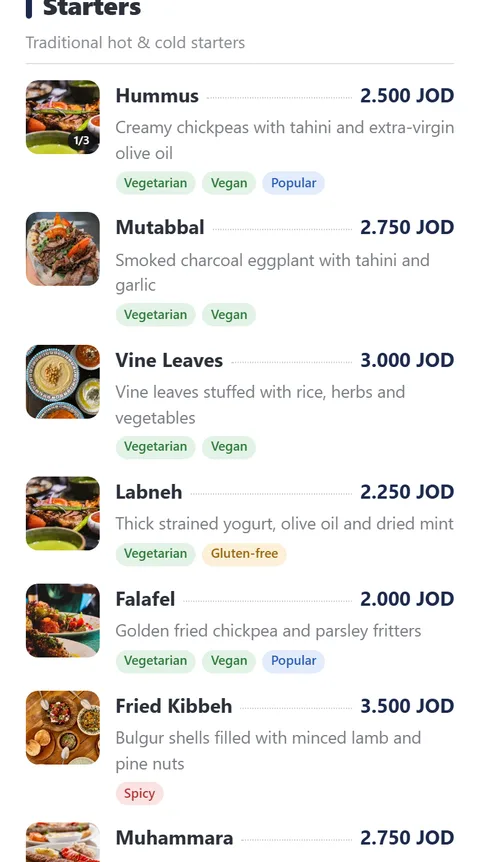
Clean and quick — great to launch.
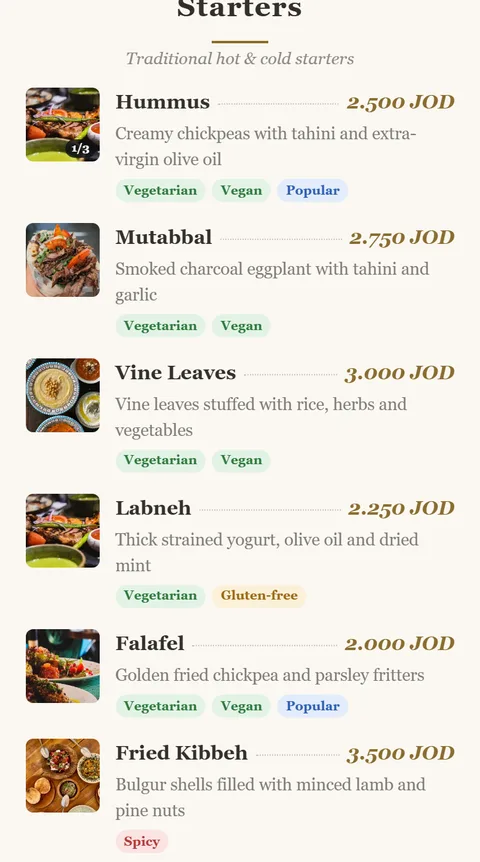
Refined serif feel for fine dining.
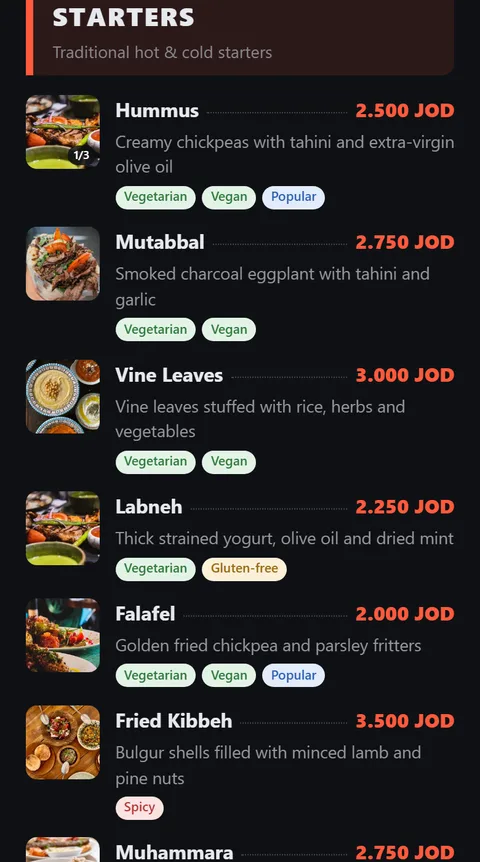
Big type and colour that pops.
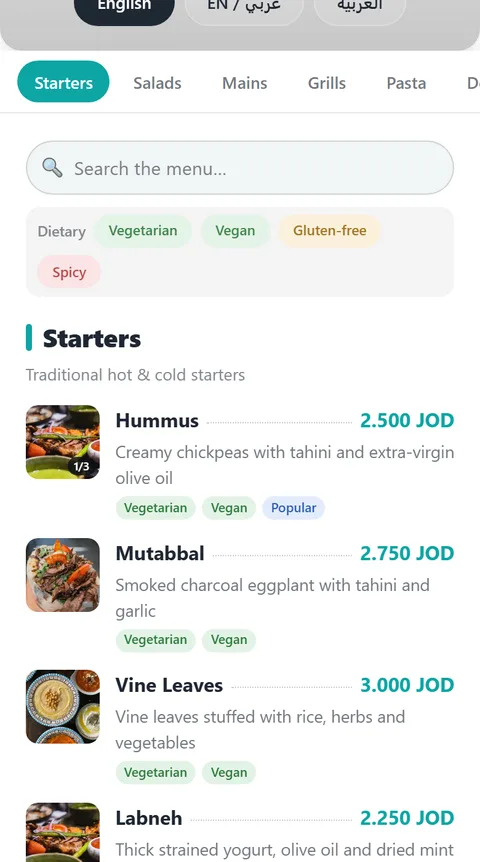
Fast category tabs for big menus.
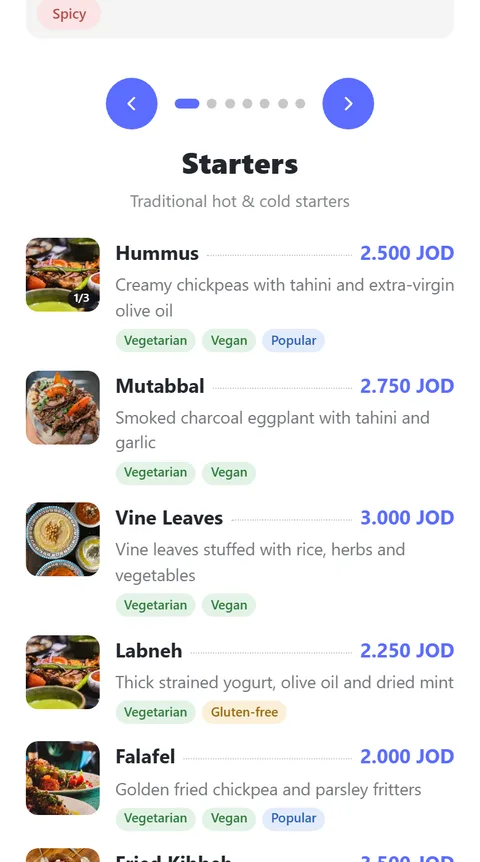
Show one section at a time — swipe through them.
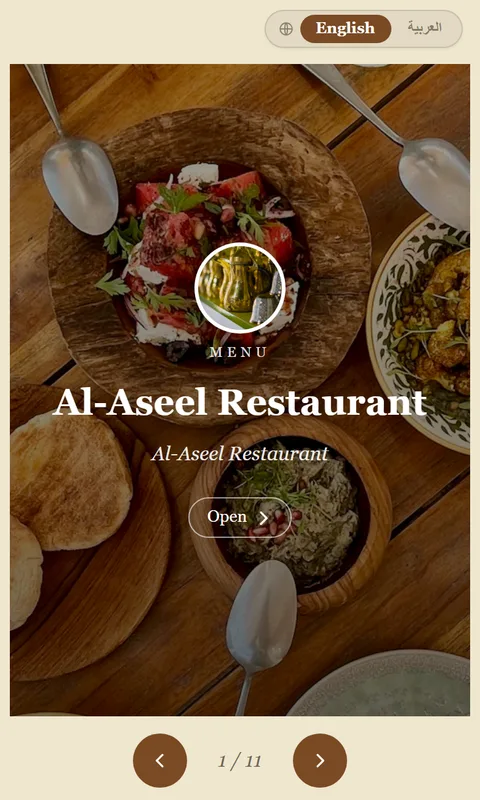
Classic multi-page menu feel.
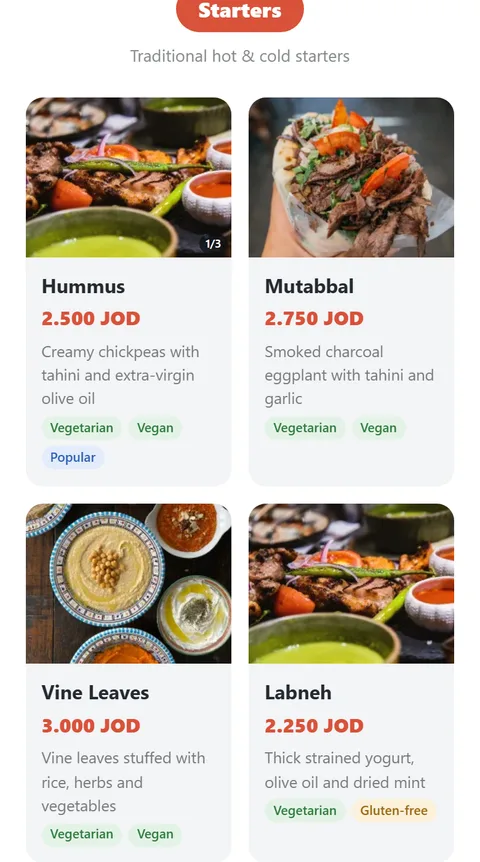
Photo-led cards for visual menus.
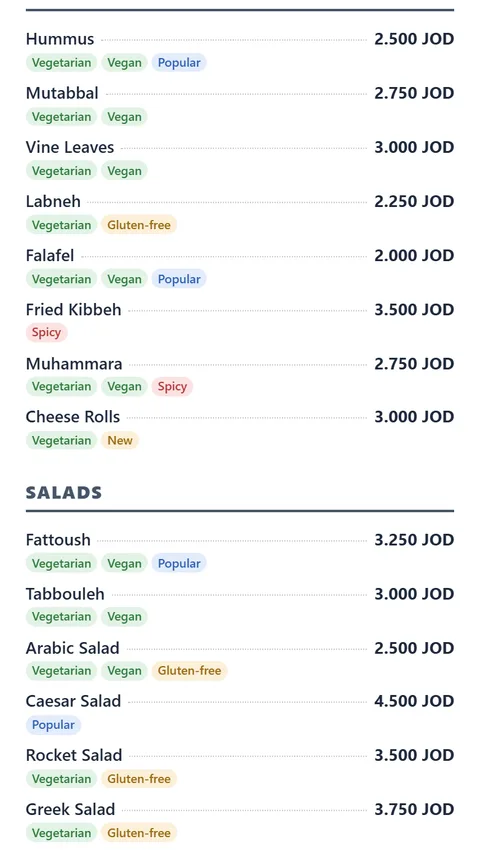
Dense two-column list — fits a big menu on one page.
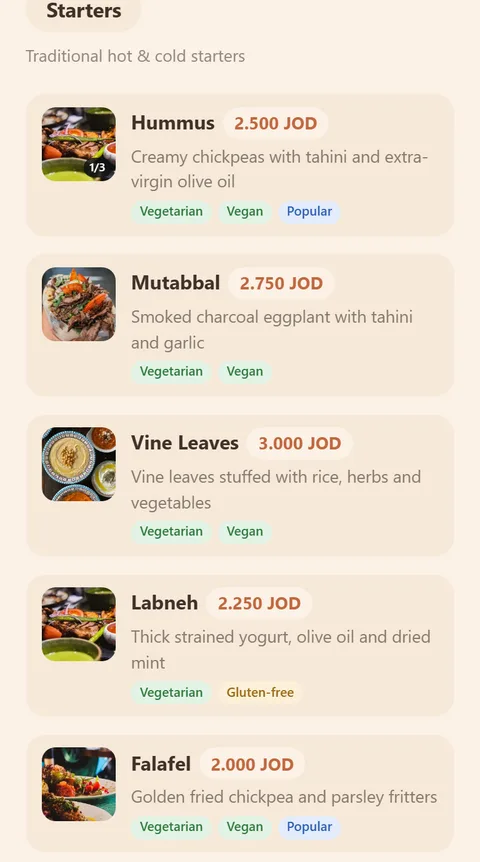
Warm, cozy coffeehouse cards.
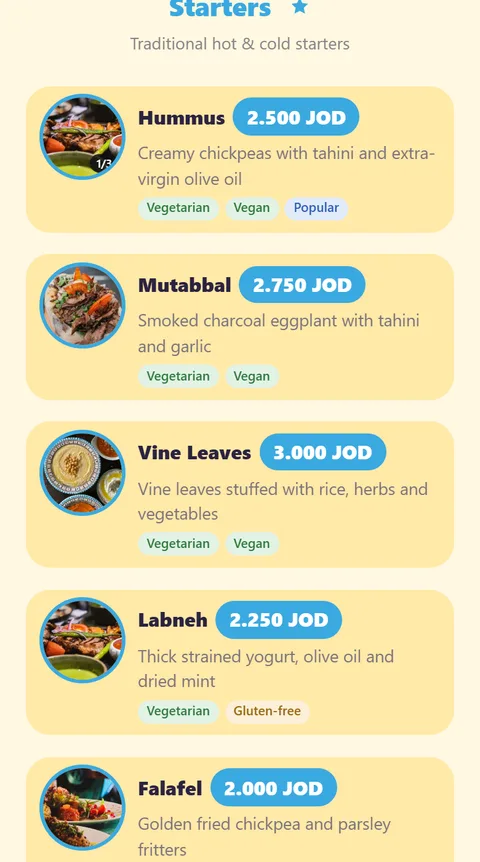
Bright and playful, with big round photos.
Your brand colour, logo and cover are yours on every template.
Change prices and items instantly — no reprinting.
A page per language, each indexed, with a seamless switcher.
Pick from multiple designs and your own brand colours.
Each language page is indexed by search engines like Google, and Pro menus also appear in the public iMenu directory.
Automatic image screening keeps your brand clean.
Location, hours and contact per branch.
Edit once in your dashboard and every diner sees it on their next scan.
Yes — the Free plan is free forever: one published menu, up to 60 items, one template. Upgrade to Pro anytime for more menus, items and templates.
Yes — every business gets 3 months of Pro free, once, with no card, and you start it with one click from your dashboard. When it ends your business goes back to the Free plan and nothing is deleted, unless you choose to upgrade.
No — sign up and build your menu for free, no card required. You only pay if you choose to upgrade to Pro.
Yes — every menu can offer Arabic and English as separate indexed pages with a seamless switcher, or show both languages together on one line.
Edit anytime from your dashboard and publish — your QR code and link never change, so there's nothing to reprint.
No app needed — iMenu works great directly in any mobile browser, for you and your diners.
Free menus include a small ad banner and a "Powered by iMenu" note. Upgrading to Pro removes both completely.
Start free, try Pro free for 3 months, then upgrade for just $3.9/mo.